
Set up MednBot on your phone
Three quick steps — about two minutes. When you're done, recording a visit is one tap from your home screen.
1
Add MednBot to your home screen
✓ Done
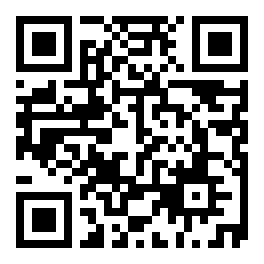
Point your phone's camera at this code, or text/email yourself the link:
2
Open it and sign in
✓ You're in the app
Tap the new MednBot Dr icon on your home screen. The app opens at its sign-in screen — use the email and password from your welcome message.
First sign-in only: you'll be asked to review and sign your practice agreements before your dashboard appears. That's expected — sign them once and you're through.
3
Finish setup on your dashboard
On your dashboard, tap “Record your first visit.” The app walks you through a 2-minute practice note — you'll record one sentence, watch the note write itself, and copy it. That's the exact job you'll do after every real visit.
Your phone will ask for the microphone during the practice note — tap Allow. It asks in the app because that's where recording happens.
Questions? Your practice administrator can walk you through it.
MednBot · secure clinical AI for your practice
MednBot · secure clinical AI for your practice